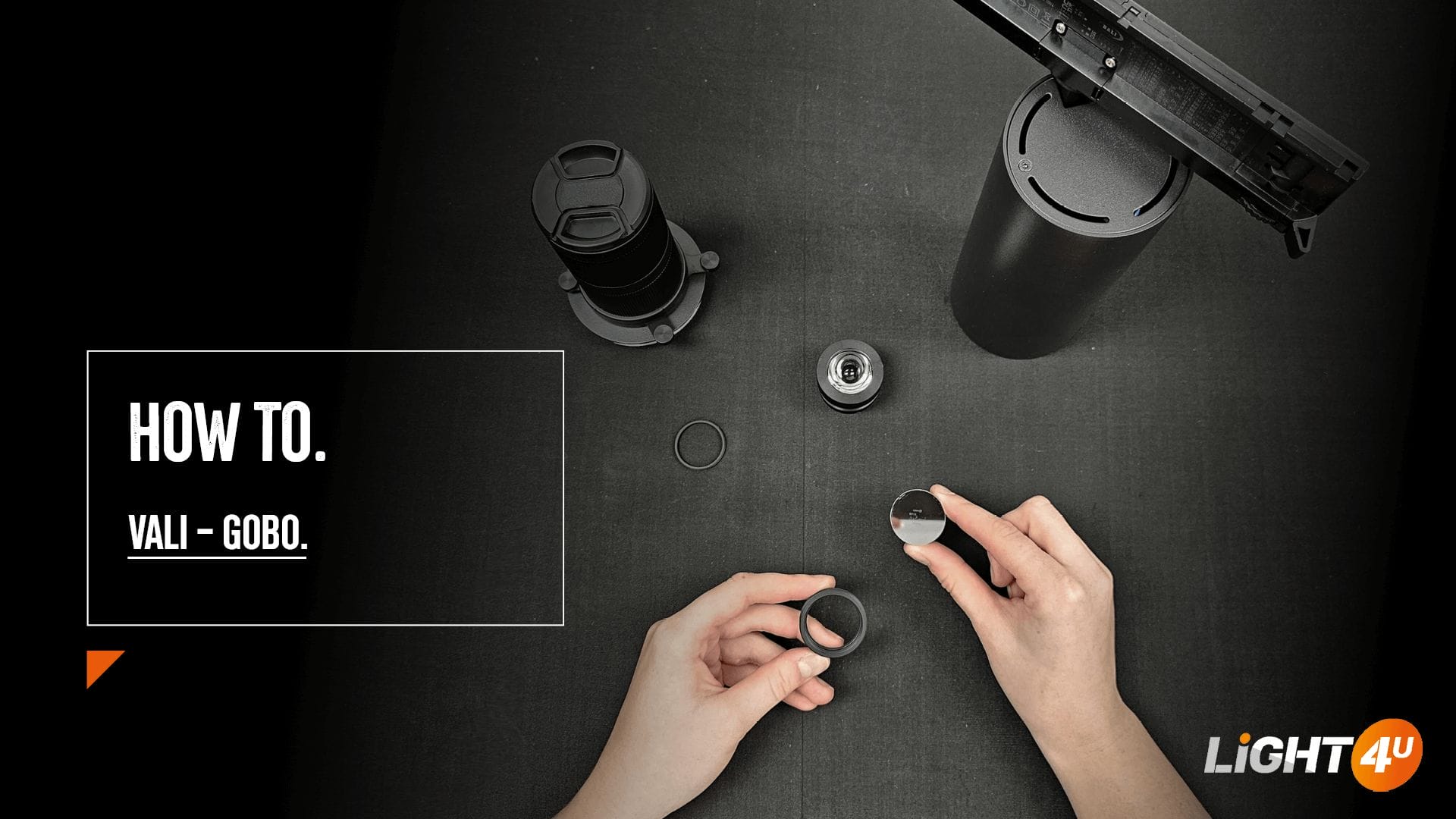
The VALI is a multi-functional track spotlight, designed for precision lighting and GOBO projection. With this step-by-step blog, you can easily transform the VALI into a GOBO projector for logos, images, or pictograms.
Follow these seven simple steps to install a GOBO:
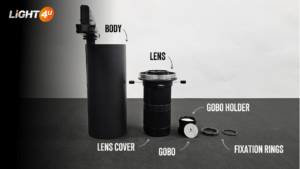
- Unscrew the lens from the body.
- Carefully remove the GOBO holder.
- Loosen the fixation ring.
- Place the GOBO onto the holder and secure it with the fixation ring.
- Ensure the black side of the GOBO faces outwards.
- Reinsert the GOBO holder into the lens.
- Attach the lens back to the body.
With its sharp projection, the VALI delivers high-contrast results. Its beam can produce both circular (25°-35° angle) and square/rectangular footprints, making it perfect for logos, wayfinding, visual accents, and highlighting artwork or objects.
Need advice on how to transform your VALI into a GOBO projector or its other applications? Get in touch with our sales team.
P.S. Remember to remove the lens cover when setting up your VALI.